VW RCD Radio Code
The four-digit code for an RCD 200, 210, 215, 300, 310 or 510, from the serial number on the radio's label.
Super fast radio code delivery!
The four-digit code for an RCD 200, 210, 215, 300, 310 or 510, from the serial number on the radio's label.
RCD is the name Volkswagen gave its CD radios from the mid-2000s onwards. Most of them carry no model name on the front, so the display and the buttons are the quickest way to tell them apart. All six below are locked by the same kind of four-digit code, and all of them are unlocked from the serial number printed on the label.
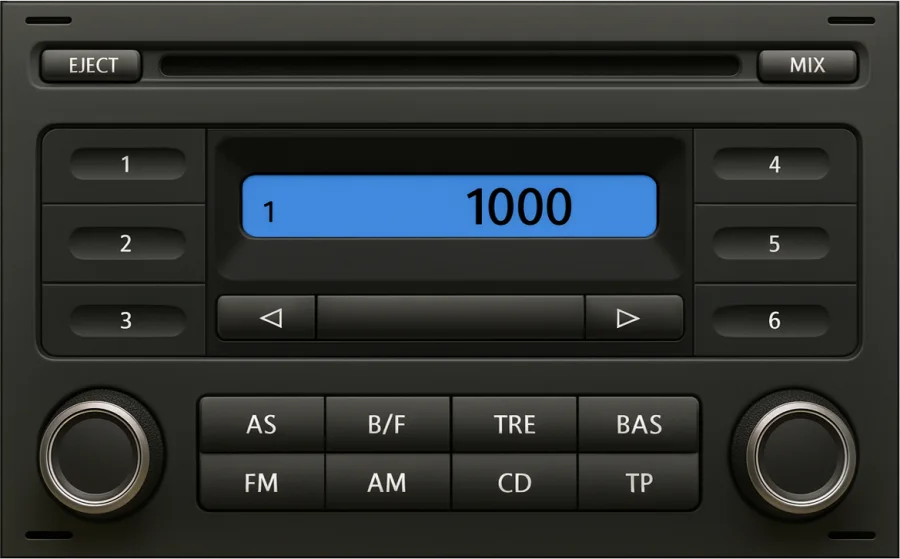
Small one-line display with three station buttons on each side. Polo and Fox of the mid-2000s. Shows SAFE, then 1000.
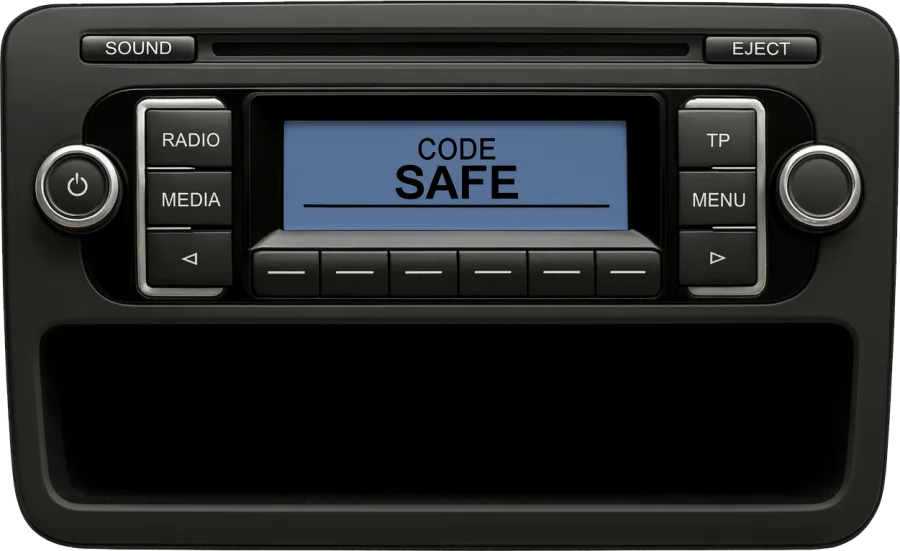
Compact unit with a storage tray underneath and six soft keys below the display. Polo, Golf, Caddy and Transporter from about 2008.
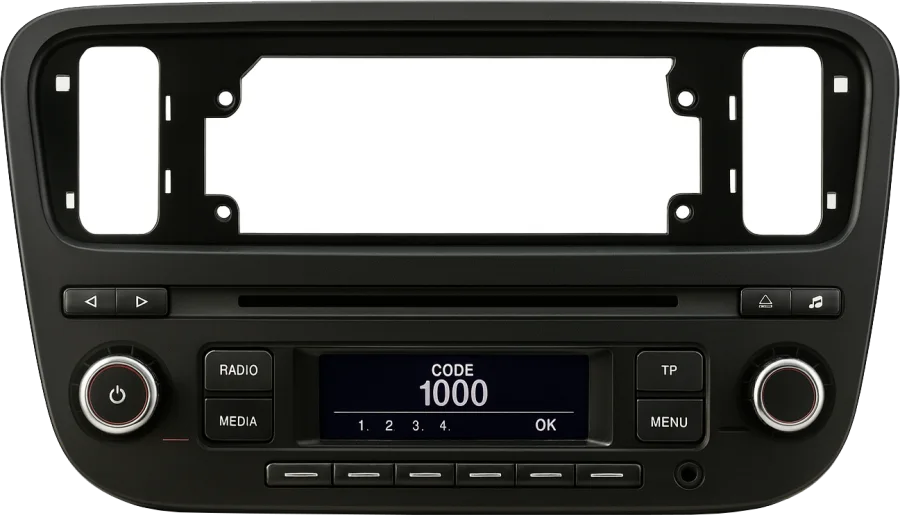
The radio of the up!, built into its own dashboard panel. Shows CODE and 1000 with the four digit positions underneath.
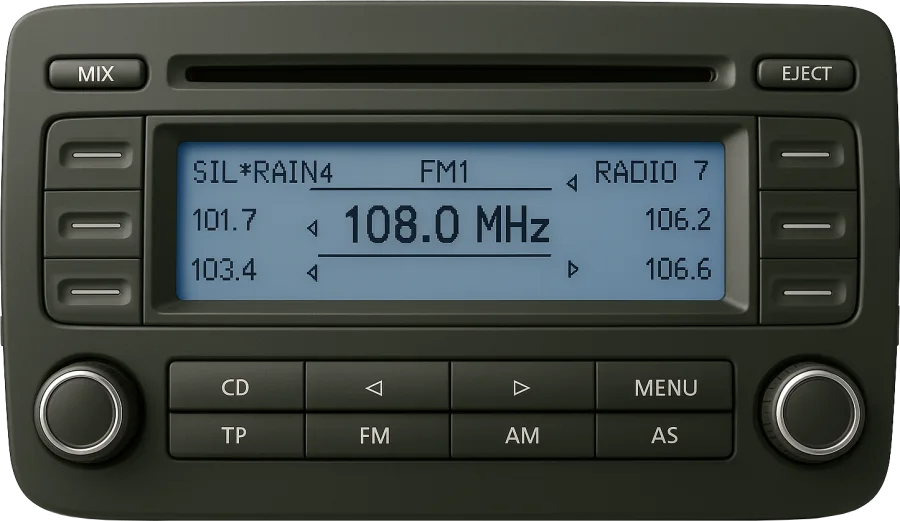
Wide display with three soft keys on each side and a row of CD, TP, FM and AM keys below. Golf, Jetta, Passat, Touran and Caddy from about 2003.
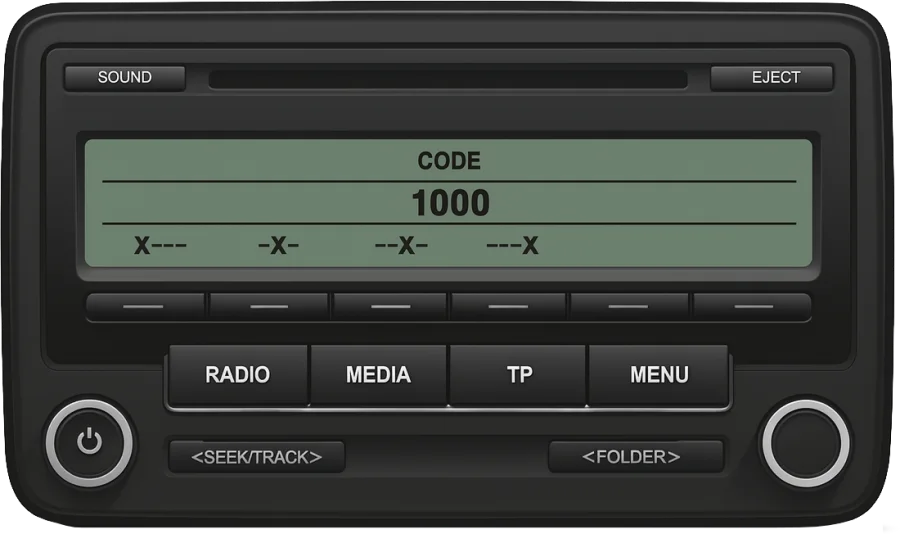
Successor to the RCD 300, with RADIO, MEDIA, TP and MENU keys under the display. When locked it shows CODE, 1000 and one marker per digit.
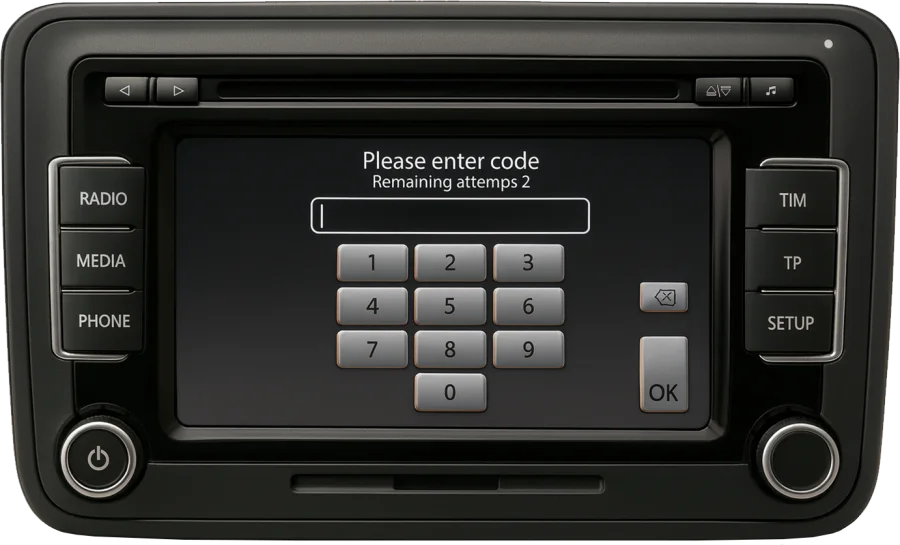
Touchscreen unit with a six-disc changer. It asks for the code on a keypad on the screen and counts the attempts you have left.
Every RCD has a serial number of 14 characters that starts with VWZ, for example VWZ1Z2H1234567. It is printed next to a barcode on the label on the top or the side of the casing. If the label shows a fifteenth character, a letter at the end, leave it out.
Type the serial in the form at the top of this page. We identify the unit and show you the price before you pay; the code arrives on screen and by email.
The label only shows once the radio is a few centimetres out of the dashboard. On the RCD 300, 310 and 510 that usually means unclipping the trim frame around the unit, undoing the four screws in the corners and pulling the radio forward. The RCD 200 has four narrow slots at its corners instead: push the flat release keys in until they click and pull. No cable has to be unplugged for this. Take a photo of the label while you are there: you can upload it with the Scan option in the form and we read the serial for you.
The fourth character of the serial stands for the company that built the unit. It changes nothing about how the code is entered, but it is a quick check that you copied the right number from the label: if it starts with anything other than VWZ, it is most likely the part number.
| Serial starts with | Built by |
|---|---|
VWZ1Z… |
Blaupunkt |
VWZ2Z… |
Grundig |
VWZ4Z… |
Delphi |
VWZ7Z… |
Visteon |
VWZ8Z… |
Alpine |
VWZAZ… |
TechniSat |
VWZGZ… |
Harman |

After two wrong codes the radio blocks itself for about an hour. Leave it switched on, with the key in the ignition, until 1000 or the keypad comes back; switching it off starts the hour again. The wait does not change your code.
Many RCD units recognise the car they were fitted to and unlock on their own after a battery change. They ask for the code when they are moved to another car or when the car no longer recognises them, which is why second-hand units are the usual case. The code belongs to the radio, not to the car, and stays the same wherever the unit is fitted.
Not one you can run yourself. The code is not printed anywhere on the unit and there is no formula to work it out by hand; it is retrieved for one serial number at a time. Pages that call themselves a calculator or a generator do the same as the form above: you give the serial, the code for that unit comes back.
Sometimes. Look first for the radio card in the service wallet and for a sticker in the owner's manual or inside the glovebox. A Volkswagen dealer can also read out the code of the radio the car was built with if you bring proof of ownership, though many charge for it. Our service is paid, and you see the price before you decide.
Not here. The code belongs to the radio, and a radio can end up in any car, so we work from the serial on its label. Only a dealer can start from the VIN, and only for the unit the car left the factory with.
Compare the serial you sent with the label, character by character: 0 and O, 1 and I, 5 and S, 8 and B are the usual mix-ups. If the serial was right and the code still fails, contact us by chat or email. A code that does not unlock the unit is refunded.
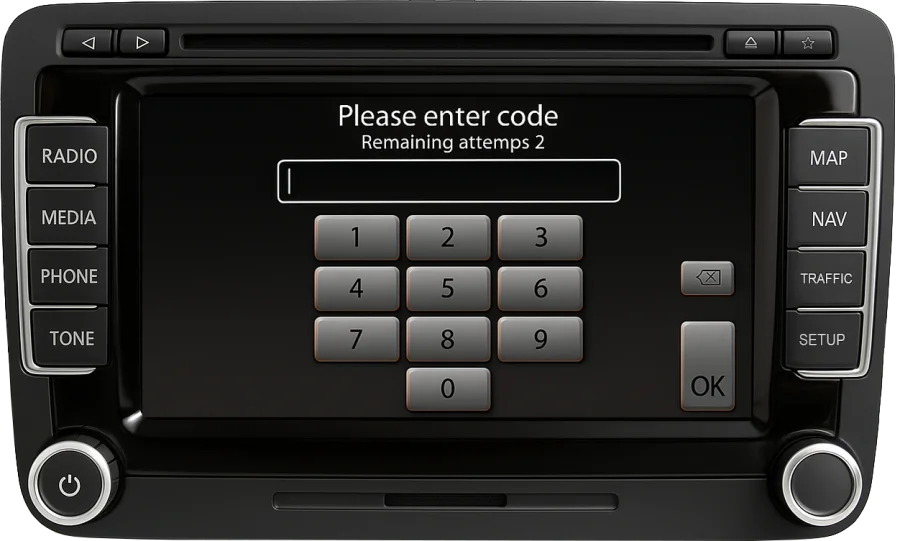
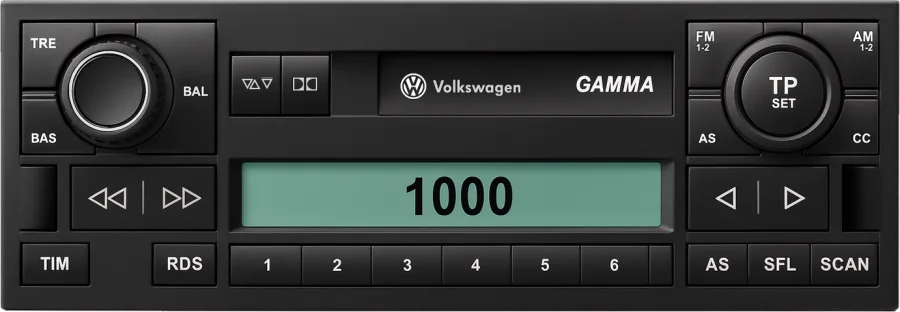
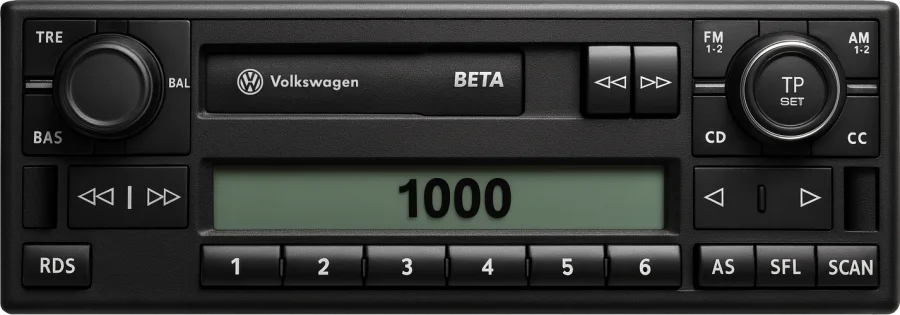
Alpha, Beta, Delta, Premium and every other unit with a VWZ serial.
VW radio code →

