VW RNS Navigation Code
The code for an RNS 300, 310, 315 or 510, or for an older MFD or MCD navigation unit, from its VWZ serial number.
Super fast radio code delivery!
The code for an RNS 300, 310, 315 or 510, or for an older MFD or MCD navigation unit, from its VWZ serial number.
RNS stands for Radio Navigation System. A locked unit keeps both the radio and the navigation shut until its four-digit code is entered, and what it shows while locked differs from one generation to the next. Find yours below: the pictures show each unit as it looks when it is waiting for the code.
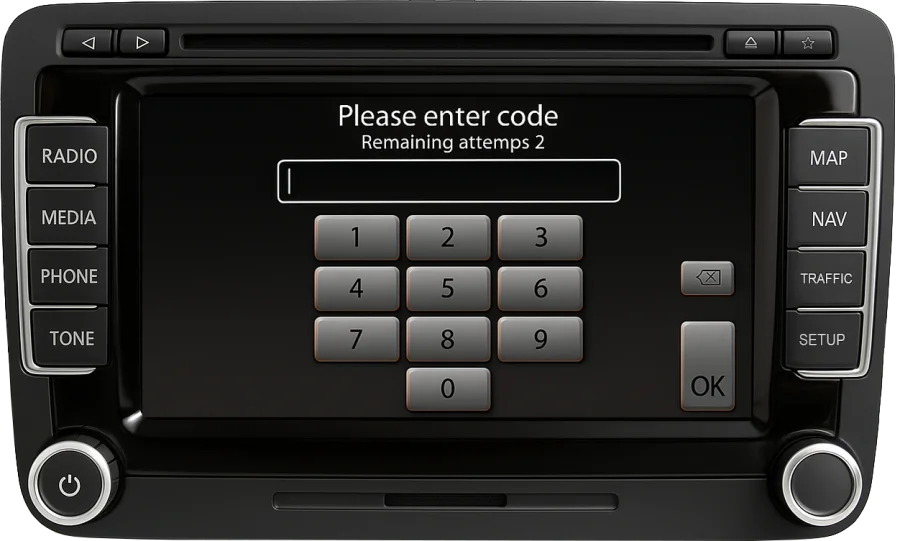
Large touchscreen with RADIO, MEDIA, PHONE and TONE on the left, MAP, NAV, TRAFFIC and SETUP on the right. Shows a keypad and the attempts left.
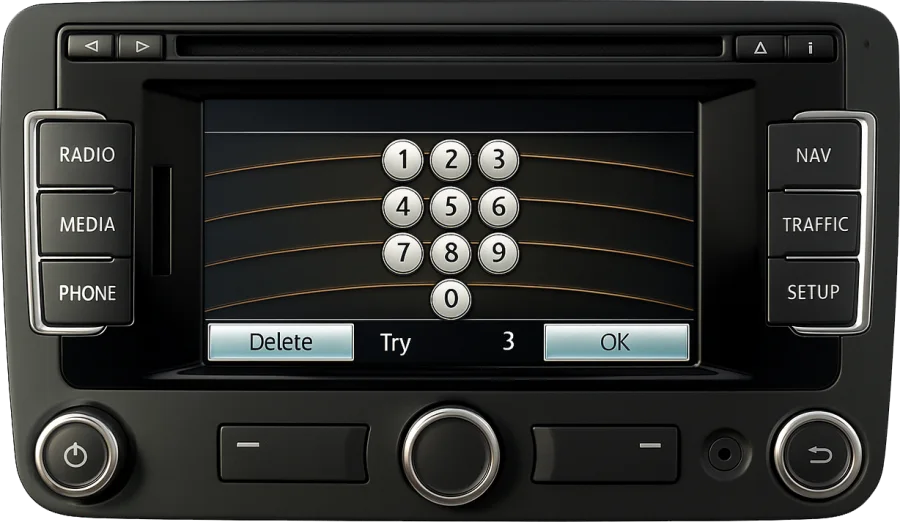
Smaller touchscreen with RADIO, MEDIA and PHONE on the left, NAV, TRAFFIC and SETUP on the right. Keypad on the screen with a counter of tries.
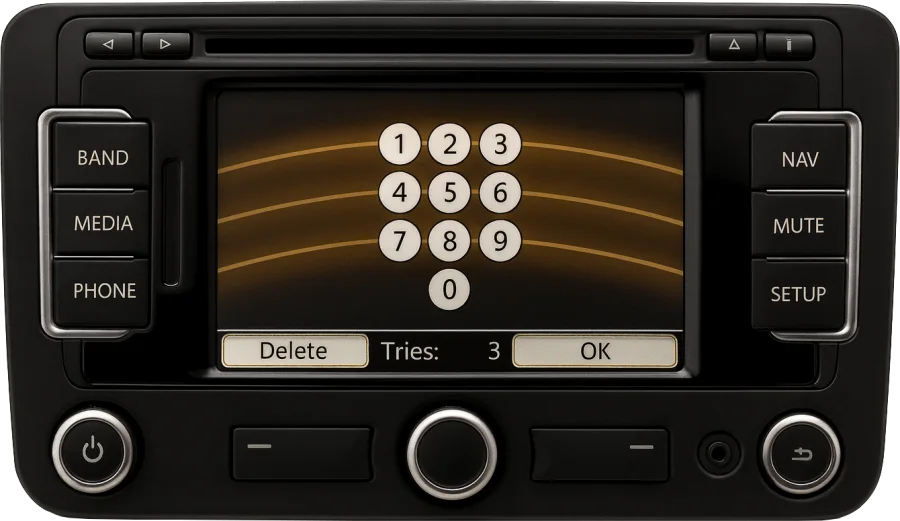
Looks like the RNS 315, with BAND and MUTE keys in place of RADIO and TRAFFIC. Same keypad, same counter.
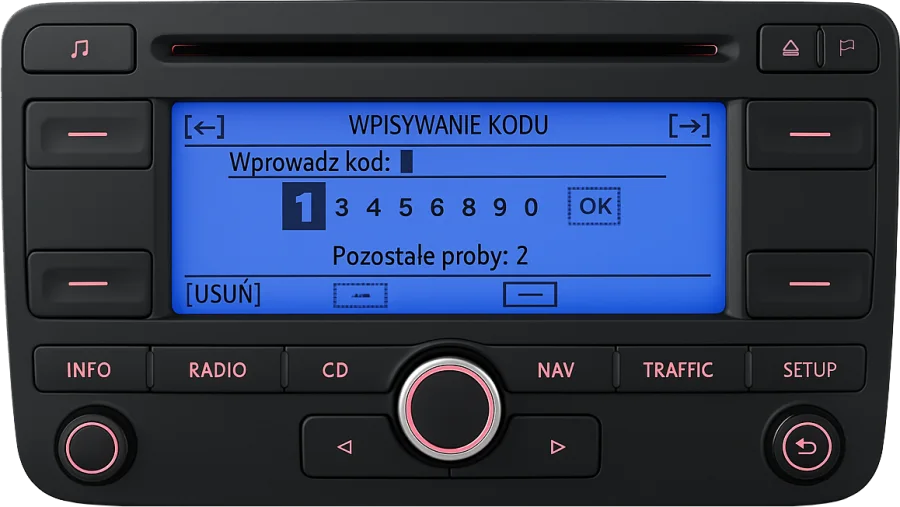
Blue display with one rotary knob in the middle and INFO, RADIO, CD, NAV, TRAFFIC and SETUP keys in a row. Shows a line of digits to pick from.
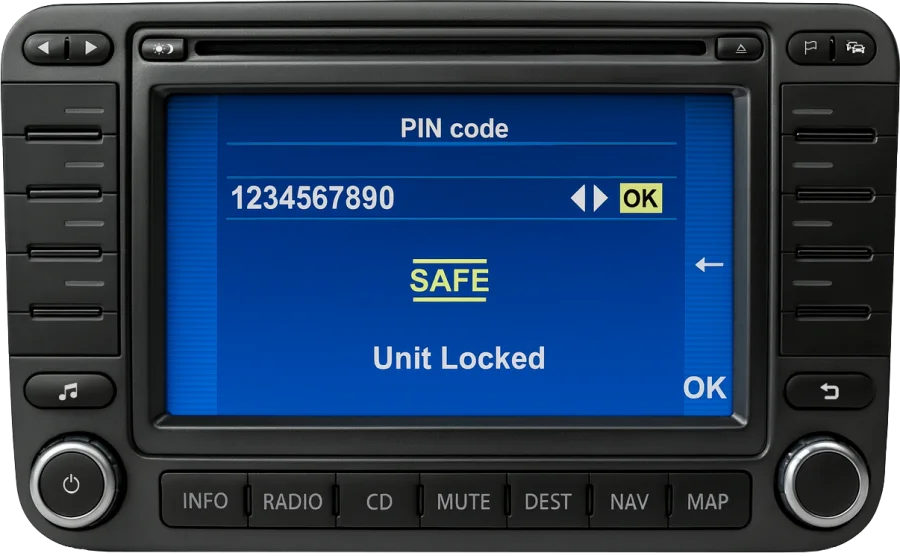
Colour screen framed by eight keys, with INFO, RADIO, CD and MAP along the bottom. Shows PIN code, SAFE and Unit Locked.
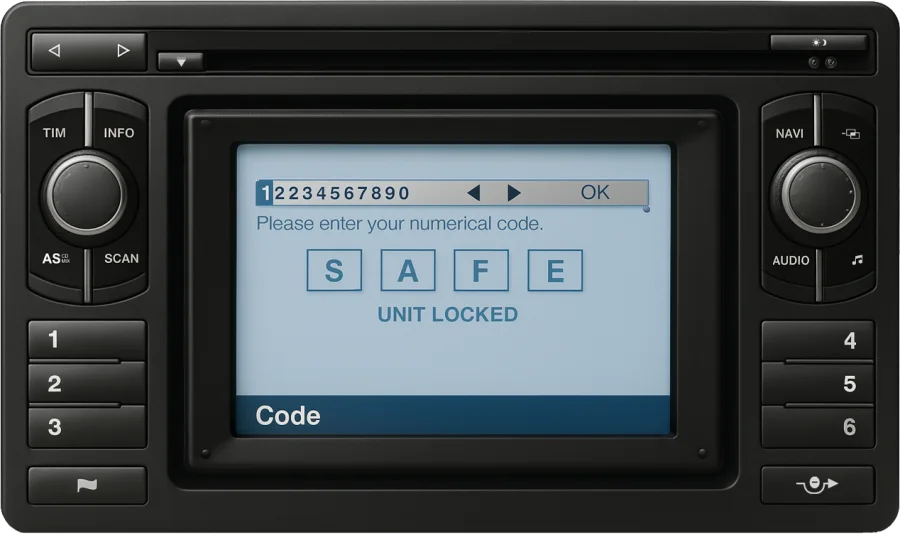
The first generation: a screen between two rotary knobs, station buttons 1 to 3 and 4 to 6 at the sides. Shows SAFE and Unit Locked.
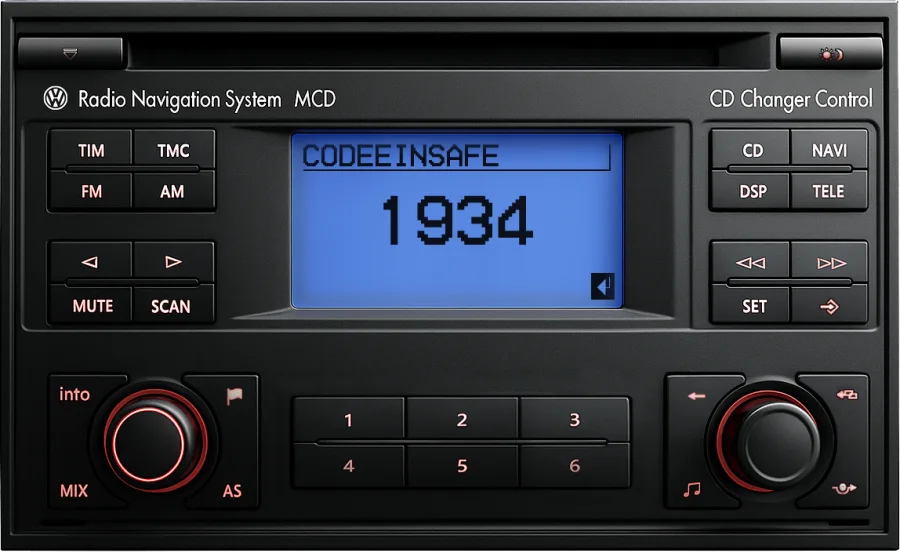
Small display under the CD slot, labelled Radio Navigation System MCD. Its prompts are in German: CODE EIN with the digits below.
The code is worked out from the unit's serial number: 14 characters starting with VWZ, for example VWZ6Z7K1234567, printed beside a barcode on the label on top of the casing or on its side. A letter after the fourteenth character is not part of it.
Enter the serial in the form at the top of the page. We show you which unit it belongs to and the price before you pay, and the code is delivered on screen and by email.
A navigation unit has to come a few centimetres out of the dashboard for the label to be readable. On most cars that means unclipping the trim frame, undoing the four screws at the corners and sliding the unit forward; the wiring can stay connected. The units are heavier than a plain radio, so support them while you look. A photo of the label is enough: the Scan option in the form reads the serial from it.
The fourth character of the serial stands for the company that built the unit. It changes nothing about how the code is entered, but it is a quick check that you copied the right number from the label: if it starts with anything other than VWZ, it is most likely the part number.
| Serial starts with | Built by |
|---|---|
VWZ1Z… |
Blaupunkt |
VWZ2Z… |
Grundig |
VWZ4Z… |
Delphi |
VWZ7Z… |
Visteon |
VWZ8Z… |
Alpine |
VWZAZ… |
TechniSat |
VWZGZ… |
Harman |

The counter on the screen is the number of attempts before the unit blocks itself. Once it does, it stays on SAFE for about an hour: leave it switched on with the key in the ignition until the code screen returns. Turning it off restarts the hour. Enter the code only when you are sure of every digit.
Most RNS units recognise the car they belong to and unlock by themselves after the battery has been disconnected. The code screen appears when a unit is fitted to a different car, which is the usual story with a second-hand RNS. The code is tied to the unit and stays the same in any car.
Yes. The unit has a single anti-theft code; once it is accepted everything works again, navigation included. Map discs and map updates are a separate matter and have nothing to do with the code.
Yes. Older units ask for a PIN code, newer ones just say "enter code". Both mean the four-digit radio code that goes with the serial number.
Stop there and check both the code and the serial against the label before the last attempt. If the unit does block itself it is not damaged: it needs about an hour switched on before it takes a new attempt.
Not from us. A second-hand RNS has nothing to do with the VIN of the car it now sits in, which is exactly when the code screen shows up. The serial on the label is the only number that identifies the unit.
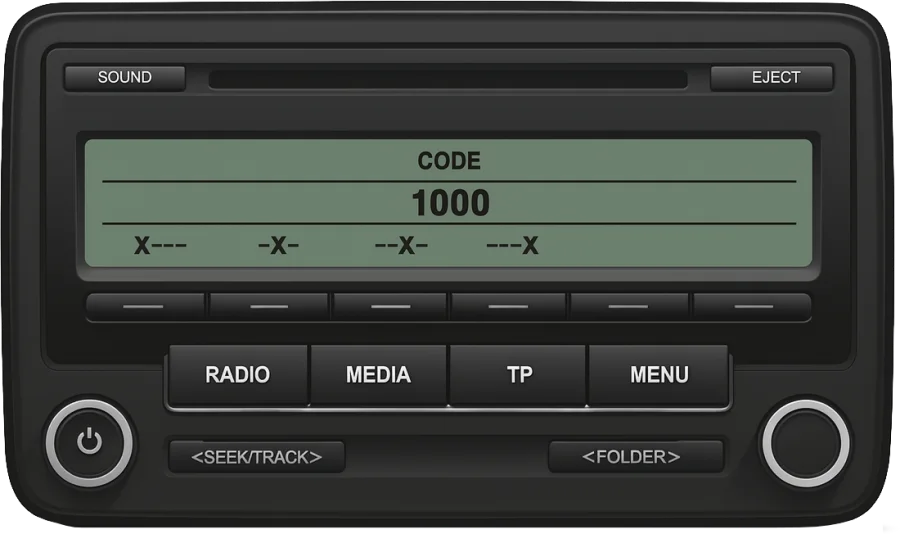
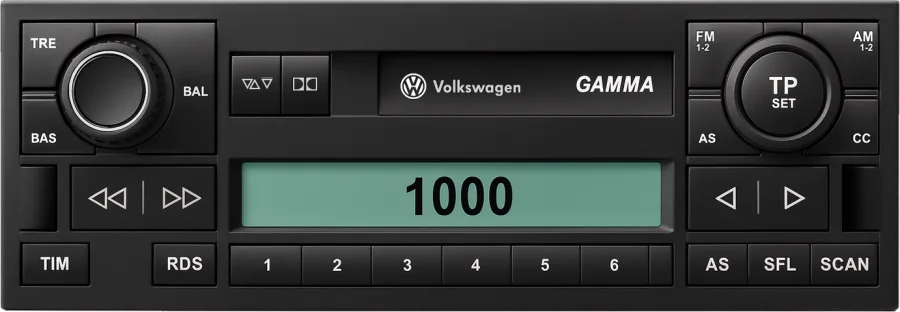
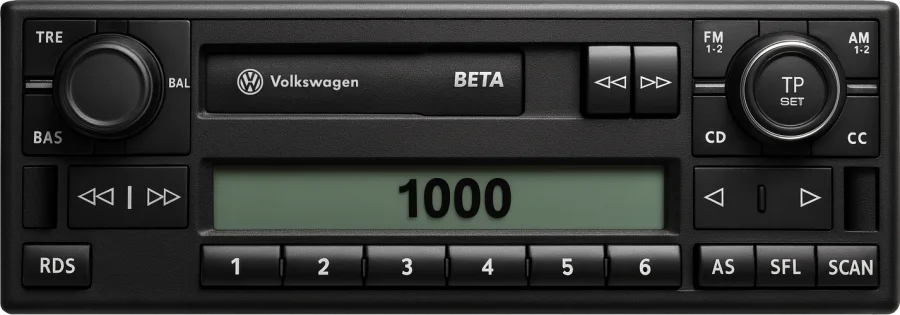
Alpha, Beta, Delta, Premium and every other unit with a VWZ serial.
VW radio code →

